Booking
Sell classes and sessions on your own website.
- Capacity checked at every booking
- Friends booked in the same checkout
- Waitlists that book the next person when a place opens
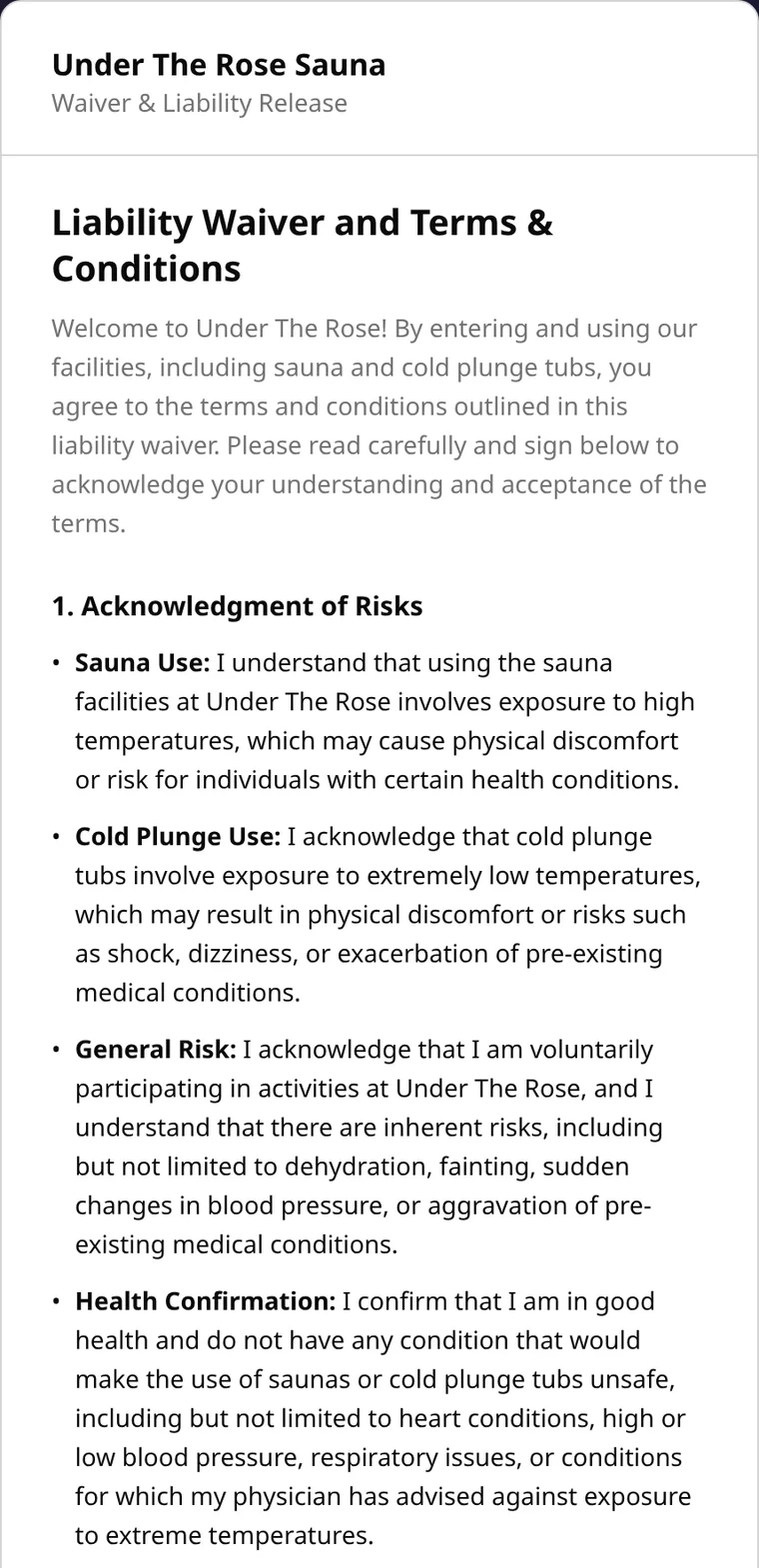
Elara is digital waiver software built into your bookings. Customers sign online before they book, friends new to you sign from an emailed link, and anyone who arrives without a current signature signs on a staff device before check-in.
Tuesday
A new customer ticks the waiver checkbox when they create their account, then books Saturday's class and adds a friend who is new to you. The friend is emailed a link to sign.
Saturday, at the desk
The friend hasn't opened the link, so the roster flags them and check-in waits.
Saturday, on a staff device
Staff hand over the device. The friend reads the waiver, types their name and ticks the signature box, and staff check them in.
A year later
You need that record. The signature registry opens the exact version they accepted, with the time, how they signed and who witnessed it.
Customers agree to your waiver with one checkbox when they create their account. Anyone who hasn't agreed to its current version, such as after you change it, ticks the same checkbox before checkout. The checkbox names the waiver, and the name opens it in full.
The roster flags anyone without a current signature, and check-in waits until they sign. They sign on a staff device at the desk, or from an emailed link.
8:00 am Social sauna
2 of 4 checked in
Maya Rivera
Dev Kapoor
Jordan Lee
Ana Novak
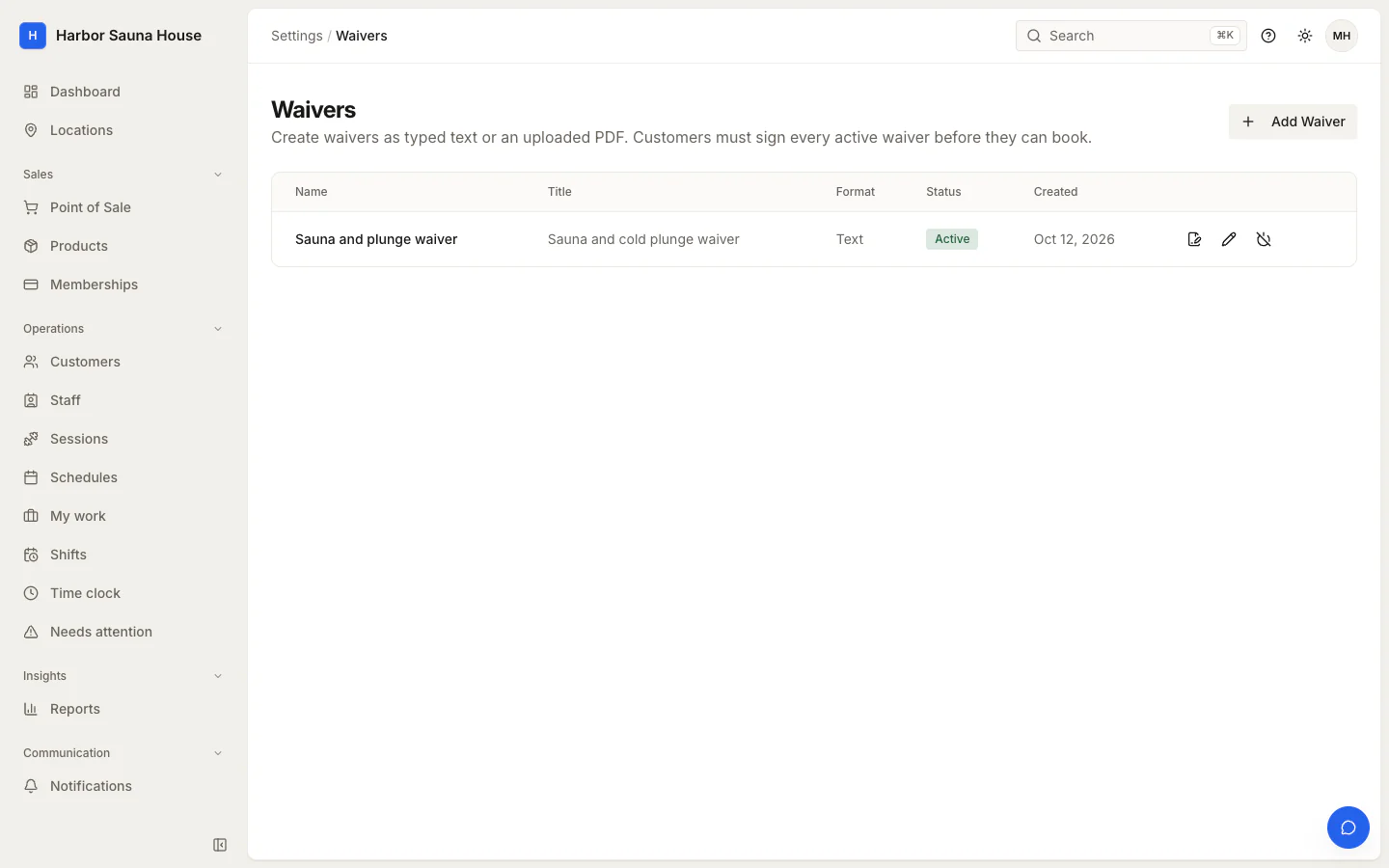
Changing your waiver's text or file creates a new version. Earlier signatures stay on record with the exact version each person accepted, and everyone signs the new one before their next booking or check-in.
What gym and studio insurance costs in 2026, from insurers' own rate sheets: the policies you need, what moves the premium, and sauna and plunge add-ons.
Free sauna and cold plunge waiver template with a plain note on each clause, sourced risk wording, five court cases and what changes by state or province.
Which US states and Canadian provinces enforce a gym liability waiver, from the leading case or statute in each, plus 16 gym cases and the rules for children.
Before a sauna studio opens, book and pay for a session with a friend who has not signed the waiver, then follow both of you to the roster and the refund.
Zipper beside Elara for sauna studios, from Zipper's own help pages: a new Stripe Connect account, group bookings of a shared session, and reworded waivers.
Session (bookasession.org) beside Elara: the same private hire, then a desk with no card reader connection and one waiver per booking, from Session's guides.
Create text or PDF waivers, review versioned signatures, and control which waivers are active.
Collect required customer fields and waivers before customers attend a session.
Yes. Write your own text or upload a PDF, and have the wording reviewed for where you operate.
A waiver can't be refused in the US only because it was signed electronically, but whether it holds up depends on its wording and on your state or province, so have it reviewed. Elara keeps a record of what was accepted: the exact version, the time and how it was signed.
Gym liability waivers: where they hold up, state by state and province by provinceYes. Customers accept every active waiver, and the one agreement checkbox names each of them. At the desk, every outstanding waiver is shown in full on the staff device.
A session's roster flags anyone who still owes a waiver. A customer's profile shows each active waiver as signed, needing re-acceptance or not signed.
Each signature is kept with the waiver version, the time and how it was signed: the agreement checkbox online, or a typed name and an optional drawing on a staff device. When the content changes, earlier signatures stay on record, marked outdated.
Friends who are new to you get an email with a link to sign when they're booked. Anyone who hasn't signed by the time they arrive signs at the desk before check-in.
Guests on a private booking are recorded by name and aren't asked to sign. Friends added to a shared session are.
Each customer signs their own waiver from their own record, and there's no guardian signature.
No. Signing is part of booking in Elara, so the roster already knows who has signed and there's nothing to match up at check-in.
Sell classes and sessions on your own website.
A CRM with every booking, plan, payment and waiver on one profile.
Tell us how many locations you run and what you use today. We'll email you a quote and, if you're switching, what we can bring across.