Memberships and packs
Sell memberships and packs online and at the desk.
- Monthly and yearly memberships that renew
- Fixed-term passes for intro offers
- Credit packs with optional expiry
Elara is payment software for gyms and studios that runs through your own Stripe or Square account. Bookings, plans and gift cards are paid on your website, the money goes straight to your account, and the point of sale takes card, cash or gift card at the front desk.
The 1st
Their membership renews. Their saved card is billed through your own payment account and a receipt is emailed.
The 9th
They buy a towel at the desk on your card reader. Staff attach them to the sale, so it joins their billing history.
The 10th
They bring the towel back. Staff refund the sale from the order, and the money goes back to the card.
Next month
Their renewal fails. It appears in the Failed Payments report and they're emailed a link to their billing. On Stripe, they can move the membership to another saved card there.
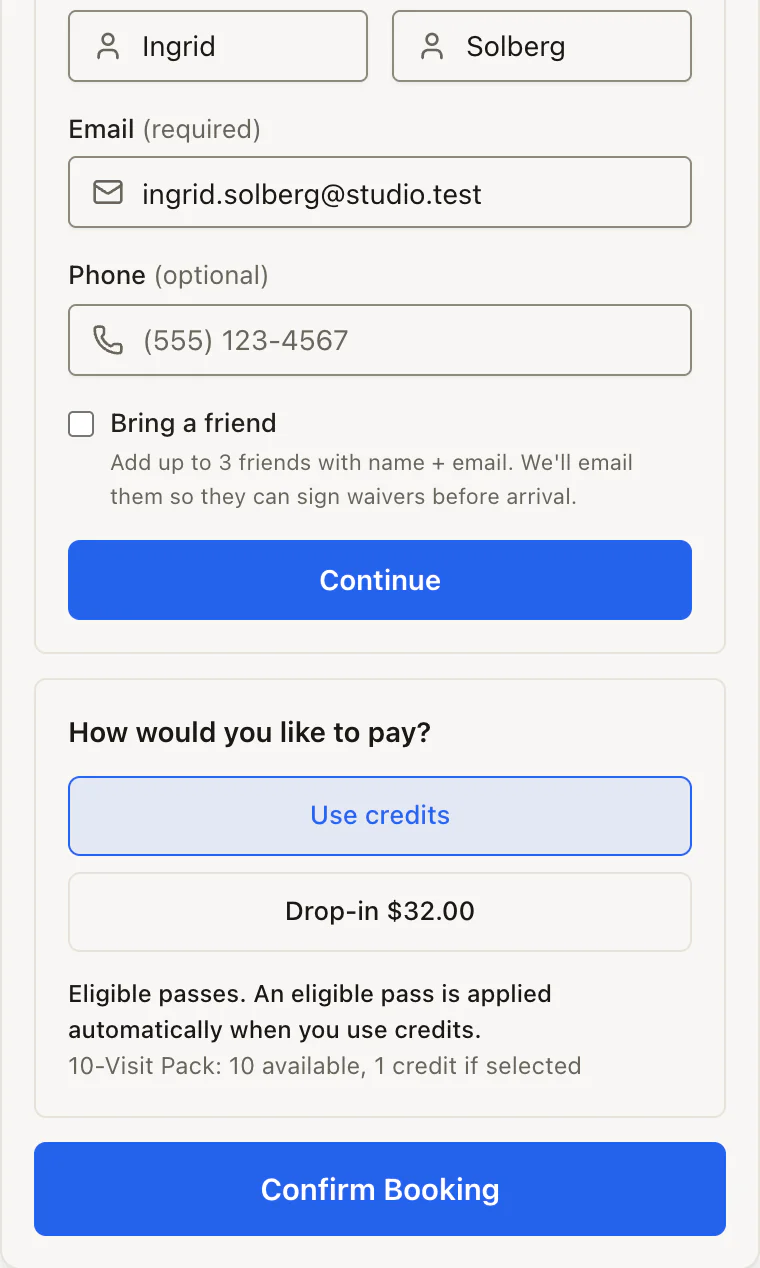
Customers pay inside the booking, plans and gift card widgets, by card through the Stripe or Square account you connect.
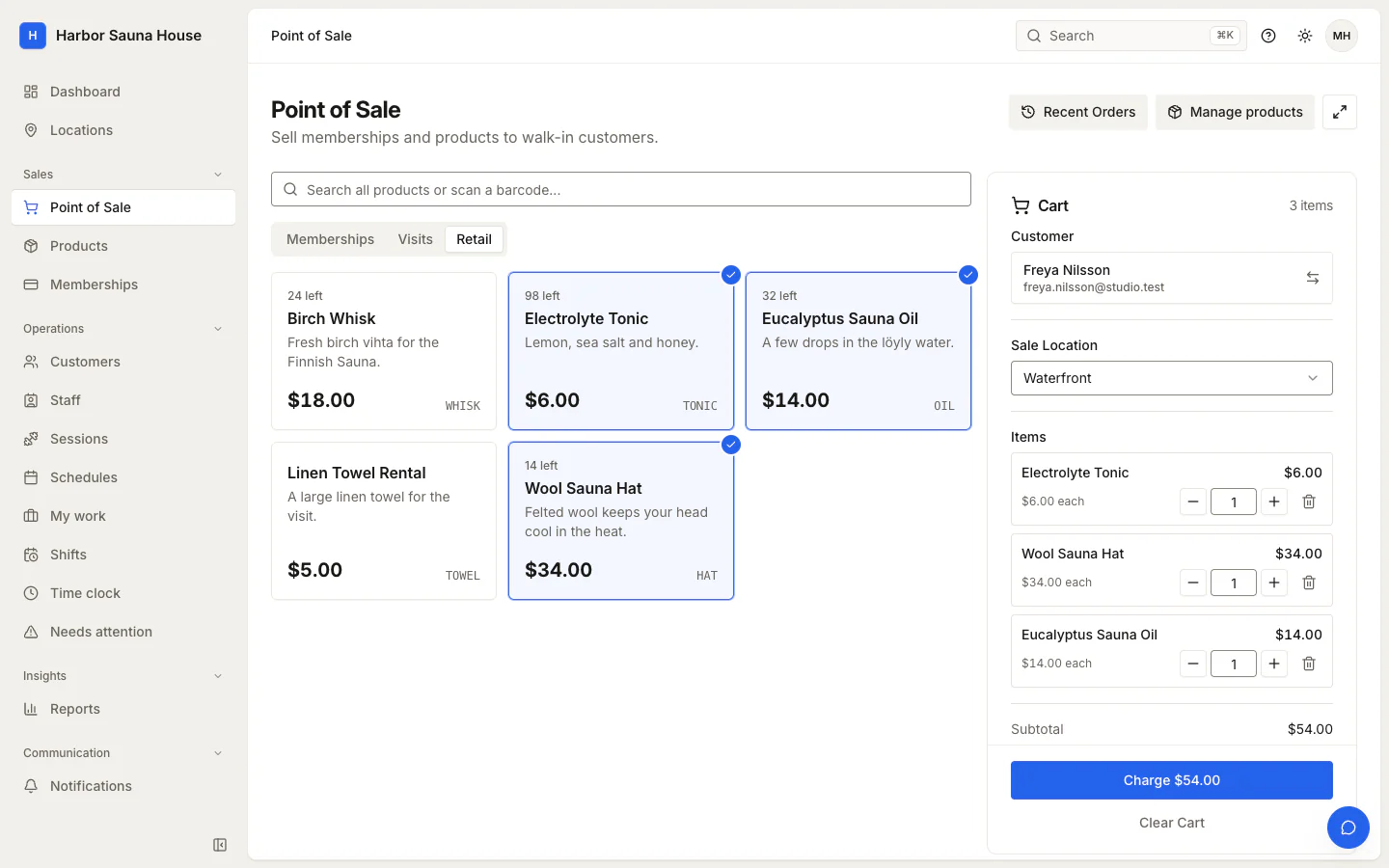
Ring up retail, drinks, add-ons, passes and packs at the desk. Attach a customer when you want the sale on their profile.
Online payments and desk sales use the same records, so your financial reports include both. A customer's billing history shows their online payments and any desk sale they're attached to.
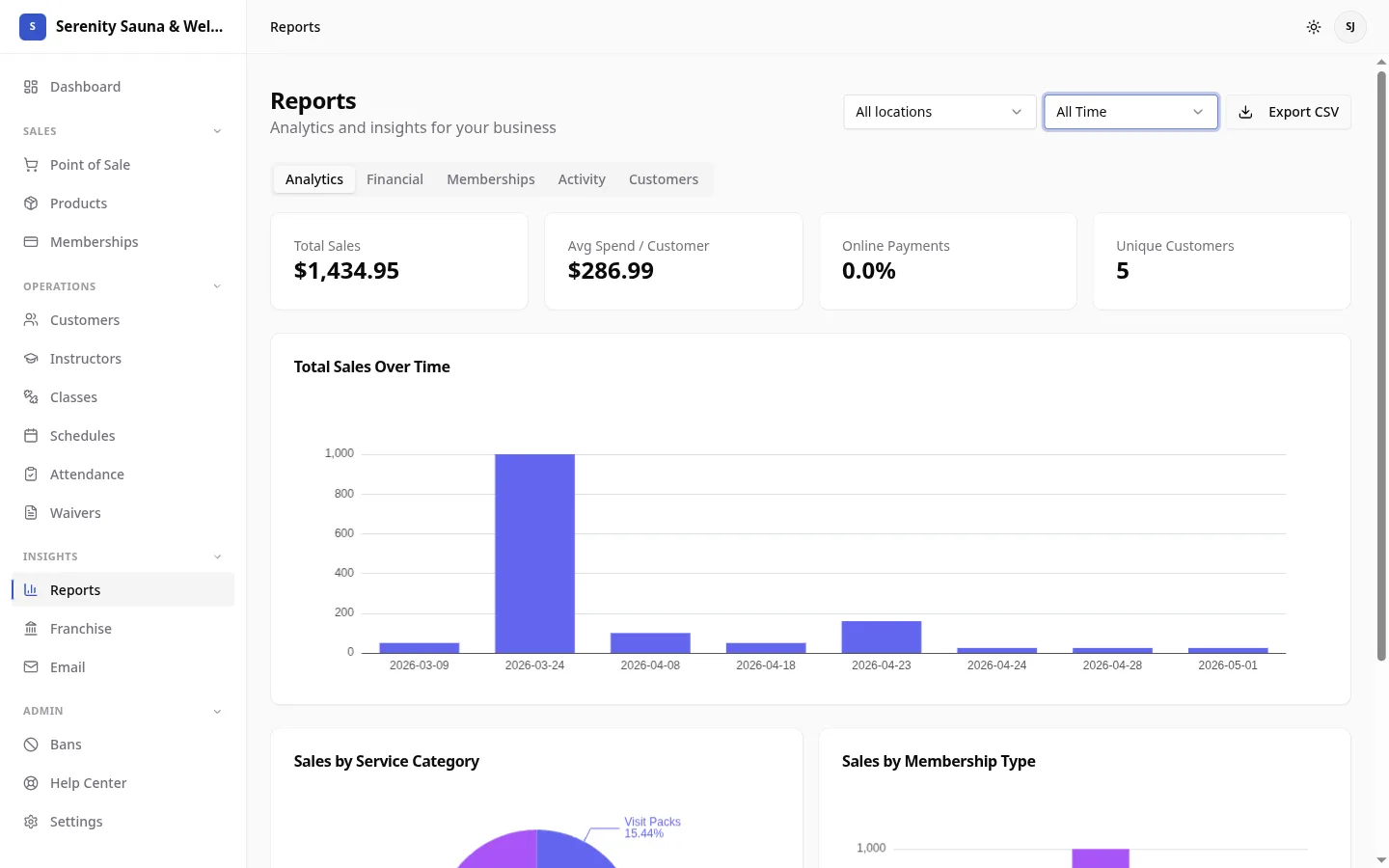
Your locations share one payment account and one currency. Sales tax can differ from one location to the next.
A buyer's checklist for gym software demos: 20 questions on payment accounts, saved cards, exports, cancellation and door access, and how to test each one.
Stripe and Square US rates as a share of each studio sale, why Stripe's 0.7% renewal fee decides which costs less, and the lowest price to sell online.
Sales tax on gym memberships in all 50 states, DC and each Canadian province and territory, with classes, personal training, gift cards and local rates.
Saved cards move only between payment processors, and recurring charges never move with them. Give each renewal one owner and date before you switch.
WellnessLiving software and Elara compared: who holds the payment account and saved cards, card readers and Interac in Canada, and private hire of a session.
A Vagaro alternative for fitness, Pilates and sauna studios: where clients book, whose processor charges and keeps cards, and what to ask Vagaro.
A PushPress alternative for class gyms: one account across locations, how members' cards move when you switch, and waivers enforced at check-in.
Connect Stripe or Square and decide which provider handles paid checkout.
Connect Stripe or Square, go live, and choose the default payment account customers pay through.
Refund customer payments or POS orders in Elara and reconcile provider-side actions.
Stripe or Square, connected from your payment settings. Both run card readers and saved cards at the desk.
No. Payments go to your own payment account, and Elara adds no fee to them.
Staff refund a payment from the customer's billing history or when cancelling a booking. The money goes back to the original card or gift card, and the refund is recorded against that payment. A pack, pass or gift card can be refunded until any of it has been used.
Each studio charges in one currency, which follows your connected payment account. Every location charges in it.
Your payment provider sets them, and they come out of your own account.
Card processing fees for studios: what a drop-in, a pack and a membership really costSell memberships and packs online and at the desk.
Sell classes and sessions on your own website.
See what sold, who came and which plans are growing.
Tell us how many locations you run and what you use today. We'll email you a quote and, if you're switching, what we can bring across.