Email and automations
Email that brings first-timers back and keeps regulars booking.
- Campaigns to a defined audience
- Review requests after a visit
- Win-back emails for lapsed regulars
Every booking, plan, payment and waiver on one profile.
Each customer has one profile with their bookings, memberships, payments, waivers, tags and notes. Find a group by visits, spend or membership, and email them.
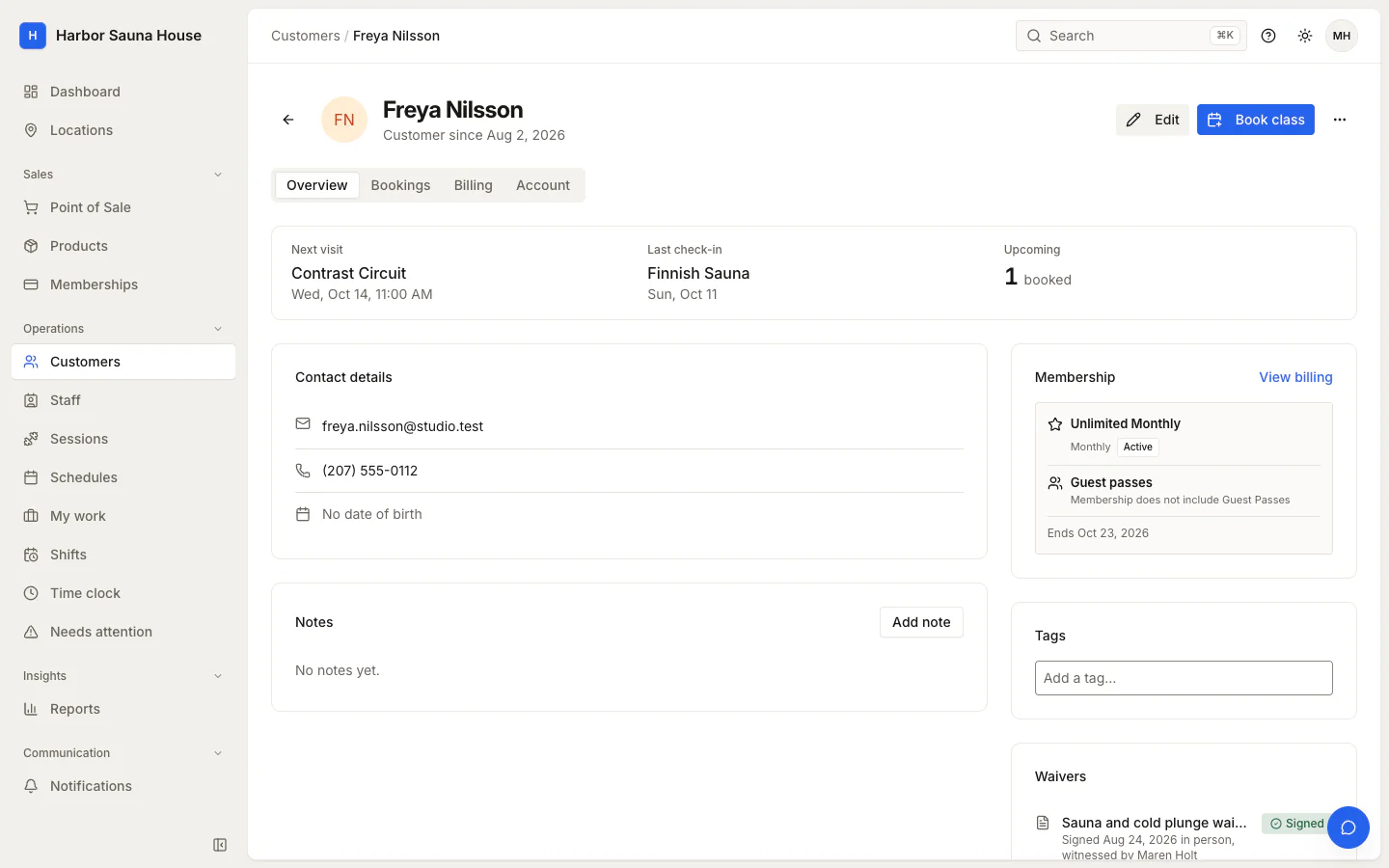
When someone calls or walks up to the desk, whoever is working can see what they've bought, what's left, when they last came and whether their waiver is current, on one screen.
Book a customer into a class, adjust their credits with a note, or email them, without leaving their profile. With the right access, open a view-only copy of their account.
Merge duplicate customers, tag people for campaigns and archive anyone who has left, while their history stays on record.
Groups such as members who visited at least four times in the last 90 days update as people book and buy, so a campaign reaches the people who match on the day it sends.
Every booking, payment, membership change and signed waiver is on one profile.
Find customers by membership, tag, visits or recent spend, check who matches, then send them a campaign.
Record preferences and follow-ups as notes, with who wrote them and when.
The at-risk list shows customers who have visited before but stopped coming and have nothing booked, with their last visit and lifetime spend.
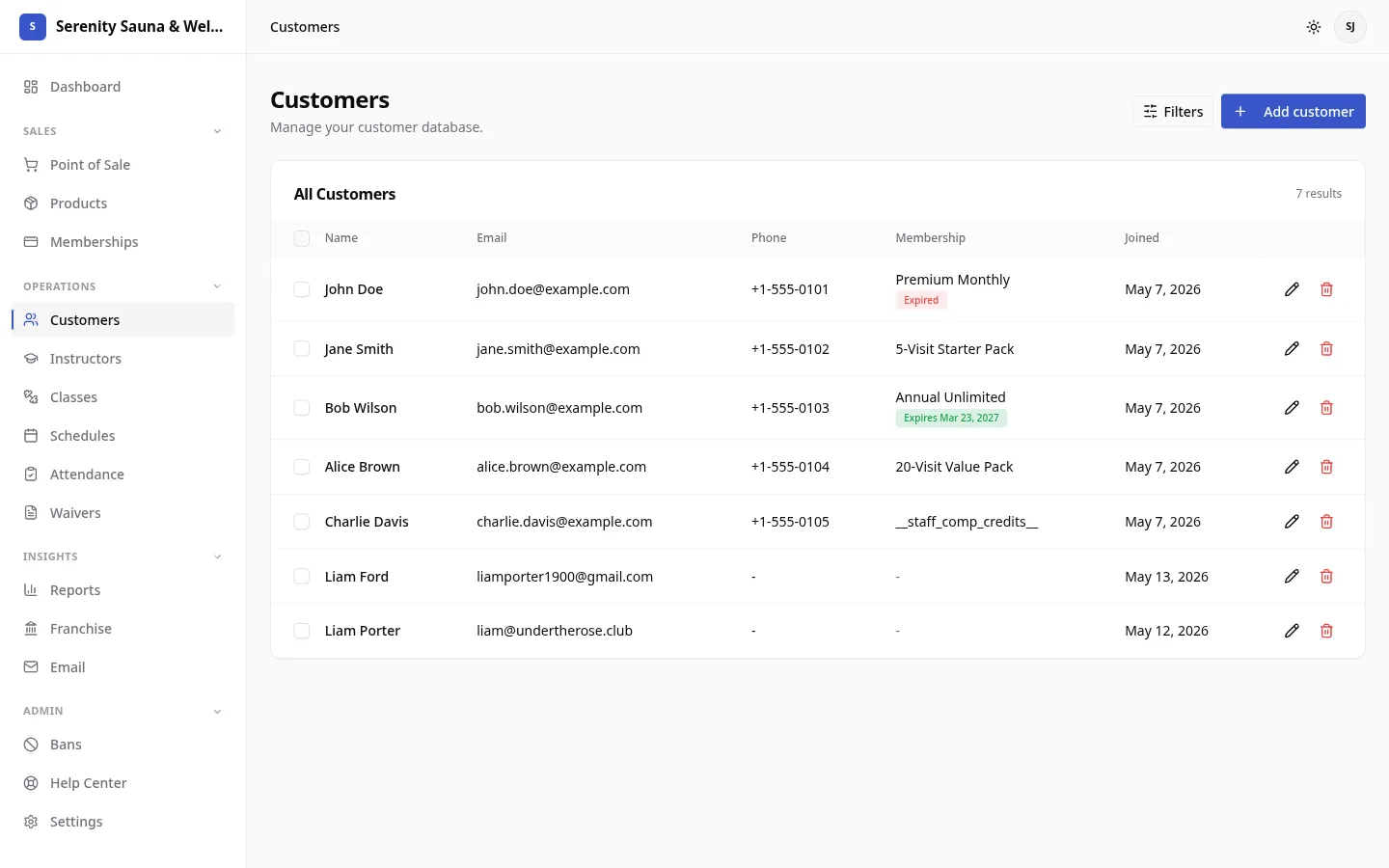
Bookings, payments and desk sales, memberships and credit balances, signed waivers, tags and staff notes.
Yes. Filter by membership, tag, visits or recent spend, or show only regulars who have stopped coming. Email campaigns use the same filters.
Yes. Merge two records into one, and the bookings, payments and memberships move to the customer you keep.
Yes. Select customers, or everyone matching a filter, and export them to CSV.
Every feature reads and writes the same customer records, so a booking, a payment and a signed waiver all land on one profile.
Email that brings first-timers back and keeps regulars booking.
Sell memberships and packs online and at the desk.
See what sold, who came and which plans are growing.
Tell us how many locations you run and what you use today. We'll email you a quote and, if you're switching, what we can bring across.