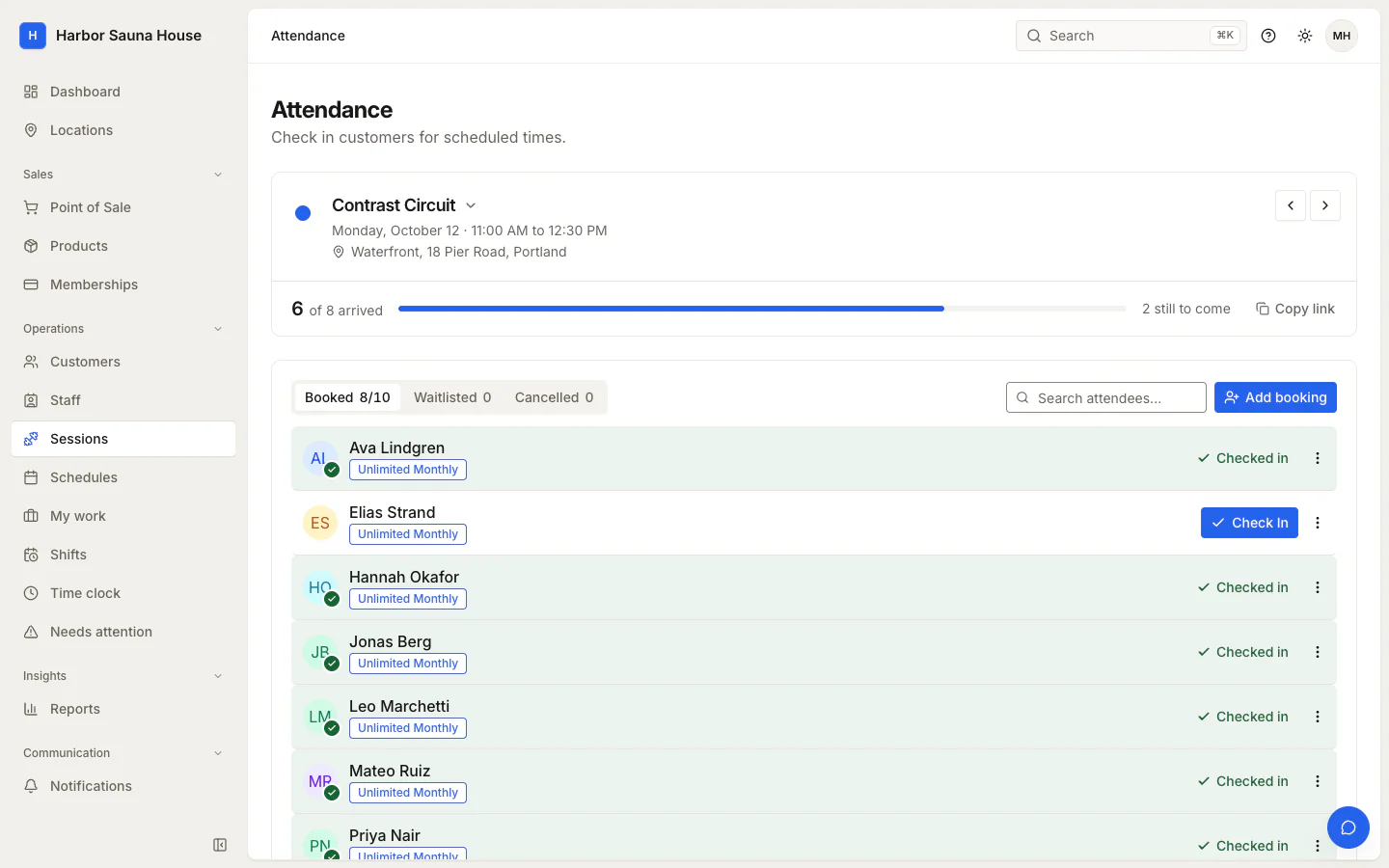
Elara is a GymMaster alternative for a gym or studio that runs a class timetable with staff on the desk whenever members are in the building. It has no door access and no member kiosk: no fobs, no readers, no phone unlock and no tablet where members check themselves in. If members train when nobody is working, or you want them signing themselves in, Elara does not do that job: keep your access system. For a staffed class gym, Elara holds the rules at the class: check-in waits for a signed waiver, each class sets its own credit cost, and a freed place goes straight to the next person waiting.
GymMaster is built around the door. Its home page leads with "built-in 24/7 bluetooth door access",1 and every plan comes as software only or software with door access.2 Elara is built for the timetable of a gym that runs classes, so the first question is how your members get through the door.
Start at your front door
| How members get in today | What a move to Elara means |
|---|---|
| Staff open up for each class and stay on site | Nothing to replace. Members book on your website, and staff check them in from the roster.3 The fobs and readers retire. |
| Members tap a fob or phone while staff are on the desk | A person checks each member in from the class roster instead. Try that at your busiest class before you decide. |
| Members check themselves in on a tablet | Same change. Elara's front-desk kiosk is for staff clocking in with a PIN, not for members.4 |
| Members enter outside staffed hours | Elara cannot run this. Keep an access system, and know that Elara does not connect to one, so the door's member list has to be kept current separately. |
| The door refuses a member who stopped paying | Elara has no door to close. When a renewal fails, coverage stops at the paid-through date and free bookings past it are cancelled.5 |
| Members use the gym floor with no class booked | Elara records class bookings and check-ins only, so those visits go uncounted. |
Those rows are what GymMaster's door hardware sells. A GateKeeper connects door readers to the member database and works with turnstiles and electronic locks. Members enter with a fob or a phone over Bluetooth, and an add-on camera compares movement against the visit log to catch tailgating.6,2 They can also scan a QR code that checks they are at the club,7 or use a passcode, which failed billing, holds and expired memberships switch off.8 A door can open for a booking alone, including a non-member's.9 At the desk there is a reception reader,10 and an iPad kiosk app checks members in with a tap and shows what they owe and how many sessions remain.11
If you own that hardware and plan to keep the doors, ask GymMaster whether the GateKeeper and readers run without a subscription. The cited pages do not say. Keeping GymMaster for doors and Elara for classes means two member lists with nothing syncing them.
One full class in both products
This gym is hypothetical. Its Saturday 9:00 strength class holds twelve, is fully booked and has two members waiting. Online booking closes two hours before the class, and staff are on the desk. The GymMaster column comes from its user manual and help center, not a test account.
| This week | Elara | GymMaster |
|---|---|---|
| Monday: you rewrite the waiver | Changing the text creates a new version. Everyone who signed must accept it before their next online booking or check-in.12 | Forms attach to membership types,13 and to classes so members are prompted when they book.14 The cited pages do not say whether members sign again after the text changes. |
| Thursday 9:00: a member cancels | With auto-confirm on, the first person waiting takes the place and gets a confirmation email. A credit is used only then, and a member who cannot cover it stays waiting.15 A member who no longer wants the place can cancel online until the Cancellation Window opens, 24 hours before class by default. | With member-managed waitlists on, the first member gets a message and must book the place. The class shows full to everyone else, and at this distance the next member is messaged four hours later. A club can let members tick automatic claiming when they join the waitlist, which stops applying inside 24 hours of the class and in other cases, such as a booking that costs more than the member agreed.16 |
| Friday 10:00 pm: another member cannot come | This member is 11 hours from class, so under the default window they cannot cancel online and the place frees only when staff cancel it for them. The next person is then booked and emailed straight away, unless a booking cutoff has passed. That person is inside the window too, so they cannot cancel online and have to contact the studio.15 | If the place frees now, the wait between messages is 30 minutes, reaching 5 minutes in the last two hours before booking closes. A club can have support stop messages overnight.16 |
| Saturday: a member arrives who has not signed the new version | The roster shows Waiver Update Required. Check-in is refused until they sign on your device or from an emailed link.17 | A new membership can stay Incomplete, unbilled and without benefits until its forms are signed.18 For a class form, "staff can prompt member to sign it" at check-in.14 The cited pages do not say check-in waits for it. |
| Saturday: a member wants to bring a friend | A friend is added in checkout while booking, not to a booking already made, so a member who already holds a place books again for the friend alone.19 This class is full, so until online booking closes at 7:00 that booking joins the waitlist while it has room, unless it pays with credits, which a full class refuses. From 7:00 the widget refuses the booking and a freed place is not offered to the waitlist, so staff add the friend from the roster, overbooking the class if it is still full.15,20 In a class with room, a friend new to the gym is emailed a link to review the booking and waivers, and check-in still waits for the signature. | Guest passes are a membership benefit that sets how many guests, how often and what they pay to enter the club.21 |
| Saturday: a member does not come | Staff mark the no-show that day and choose to charge the plan's no-show fee to a saved card or waive it. A booking nobody checks in becomes a no-show automatically once the day ends, with no fee. On a credit pack the credit stays spent, unless the pack has a no-show fee: then staff can instead charge or waive it and return the credit, up to three days after an automatic no-show.22,23 Elara does not block repeat no-shows from booking. | Staff mark it, or a nightly run does. On most accounts support has to turn the fee on, and it applies only to a booking with no price and no pack. After a set number of no-shows a member can be blocked from booking online.24 |
The waitlist row is the one to weigh. GymMaster's manual says it moved away from booking members automatically because some were placed in classes they no longer wanted or did not see in time.16 Elara takes the other side and carries that risk: the place fills without anyone replying, and a member who has moved on hears by email, which is a default automation staff can edit or disable. A studio can lock the waitlist email category so a member cannot switch it off on its own, but a member who turns Email off altogether still does not get the message.25 Promotion does not reopen the Cancellation Window. In the Friday case the account refuses that member's cancel and asks them to contact the studio. If they do not come, they are a no-show and a pack credit is already spent. If staff cancel for them inside the window, the dialog pre-selects charging the credit, and staff can choose the refund instead.15 For the policy behind the no-show row, see late cancel and no-show fees. Waivers covers Elara's side in more detail.
Side by side
| Elara | GymMaster | |
|---|---|---|
| A class that counts for more | Each class sets its own credit cost, so a two-hour clinic can take two credits from the pack that pays one for an hour's class.26 | A booking reserves a use from the pack, and the visit is counted at check-in.27 The cited pages do not say a class can count as more than one. |
| A private group session | With private booking on, a customer can book a scheduled class whole at one price while nobody else holds a place.28 Guests on it are recorded by name only and are not asked to sign a waiver.12 | This is a Service, not a Class: "Private bookings, such as one on one or small group sessions".29 Small group training is its example,30 and a service can carry group booking details.31 The cited pages do not say how many a group booking holds or how it is paid, and do not describe a class sold whole. |
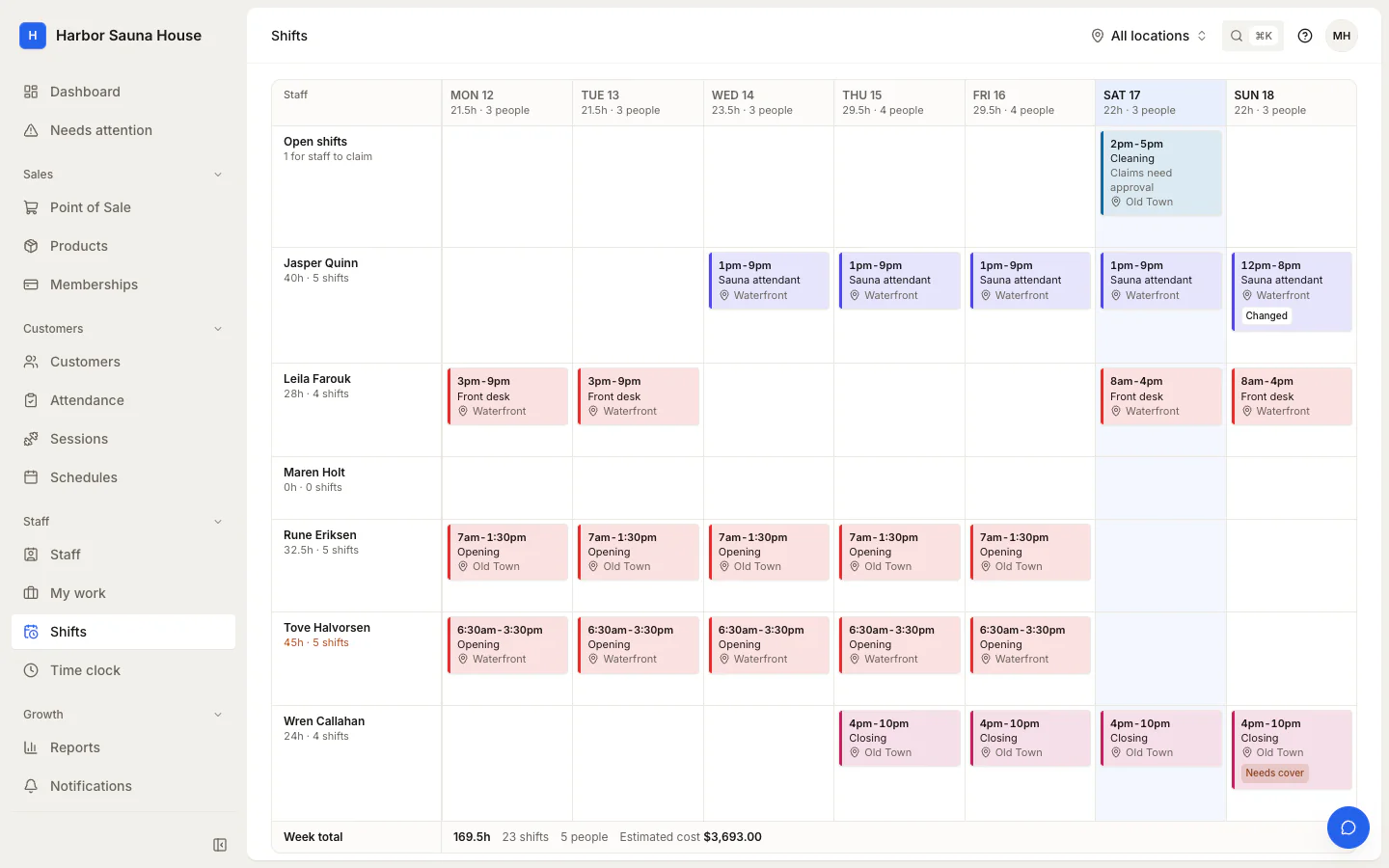
| Staff hours | Shifts are published to the team. Staff clock in from the dashboard or with a PIN at a kiosk, and hours become regular, overtime and double time for export. Pay is hourly only.4,32 | Plans list staff timesheets.2 The cited pages do not say whether it calculates overtime. |
| A failed renewal | No retry schedule of its own; any retry is Stripe's or Square's. The member is emailed, and each attempt appears in the Failed Payments report.33 | A retry interval you set, one retry by default, and Pending Review after four missed payments by default.34,35 |
| Member messages | Email automations and campaigns. No texts, and no reminder before a booked class.25 | Email and app push, with SMS for members and class attendees.16,36 |
| Marketplace bookings | No marketplace connection. | ClassPass users can see and book classes, which flow into the schedule.37 |
Where your members' payment details sit decides the switch
GymMaster does not store card details: your billing provider holds them and passes GymMaster a token it charges at each billing run.38 Elara connects only an account you own, on Stripe or Square, so the move depends on your provider:
| Your GymMaster billing provider | What happens in a move to Elara |
|---|---|
| Stripe or Square, on an account you own | Connect it. Elara reads it without charging anyone until you choose Go live. Link each customer to a member in the Migration Center before then, and their saved cards can be used in Elara.Elara guide: Move saved cards Confirm with GymMaster that those customers sit on your account. |
| Fiserv, Bluefin, Worldpay or Paysafe, for members paying by card39 | Elara connects none of them. If your provider agrees, it sends the card data to a Stripe or Square account you own. Otherwise members save a card again. GymMaster's help says token transfers depend on the new provider and must be scheduled well in advance.40 |
| GoCardless, or any member paying by ACH or EFT | There is no card data to send: GoCardless is bank debit, and GymMaster lists ACH or EFT on other providers too. Bank details do not move to Elara. The Billing section of their account and Keep my membership take cards only, so a member who wants either adds a card.Elara guide: Move saved cards If bank debit is enabled on your Stripe account, a member can instead buy the plan again by bank debit after the membership you set up ends, and gives up their kept start date.5 |
A saved card does not start billing. A membership you set up by hand has nothing charging it, so give each one an end date on the last day the member has paid for. On Stripe, the member then opens their account in the last billing period before that date, chooses Keep my membership and picks or adds a card, and the first charge lands the day after. Elara has no screen for staff to do this for them. On Square that option does not exist: the member buys the plan again once the membership ends, and nothing can be arranged ahead.Elara guide: Move saved cards Either way, every recurring member has a step to take, and a membership nobody continues simply ends. Square studios also cannot put tax on a plan, so a gym that taxes memberships needs Stripe.41
The Migration Center reads Kenko and Mindbody exports only, so members, plans and history are set up by hand, and a member has to exist in Elara before their cards can be linked.42 GymMaster's manual points you to information on its cancellation page about extracting your data, and bills in arrears, so expect a last invoice after you end the subscription.43 GymMaster runs the billing schedule, so stop each member's billing there before their first charge in Elara, or they pay twice.
What else Elara leaves out
- Shared and family memberships. Each customer holds their own plan. GymMaster lets a primary member share a membership with a set number of others.44
- Appointments. Elara has no appointment book, and a one-to-one session is a class with one place. GymMaster books services such as personal training, pools and saunas.45
- Workouts, awards and grading. Elara has none. GymMaster builds workouts, leaderboards and belt or grade tracking into its features.45
- A member app. Elara members book in widgets on your website,46 with no customer app in the app stores. GymMaster has a member app for Android and iOS,1 and a branded version as a paid add-on.45
- Sign-up fees and weekly billing. Elara plans have no sign-up fee, weekly or fortnightly interval, or minimum term. GymMaster memberships can bill weekly or fortnightly with a joining fee.47
- Partial card refunds. A connected card payment is refunded in full only.48
Get a quote for your timetable
GymMaster publishes plans by current member count.2 Elara is sold by quote. Ask for a quote and tell us the classes you run in a week, the plans and packs your members hold, your billing provider and how members get through your door.
GymMaster is a trademark of its owner. Elara is not affiliated with, sponsored by or endorsed by GymMaster or Treshna Enterprises Ltd.